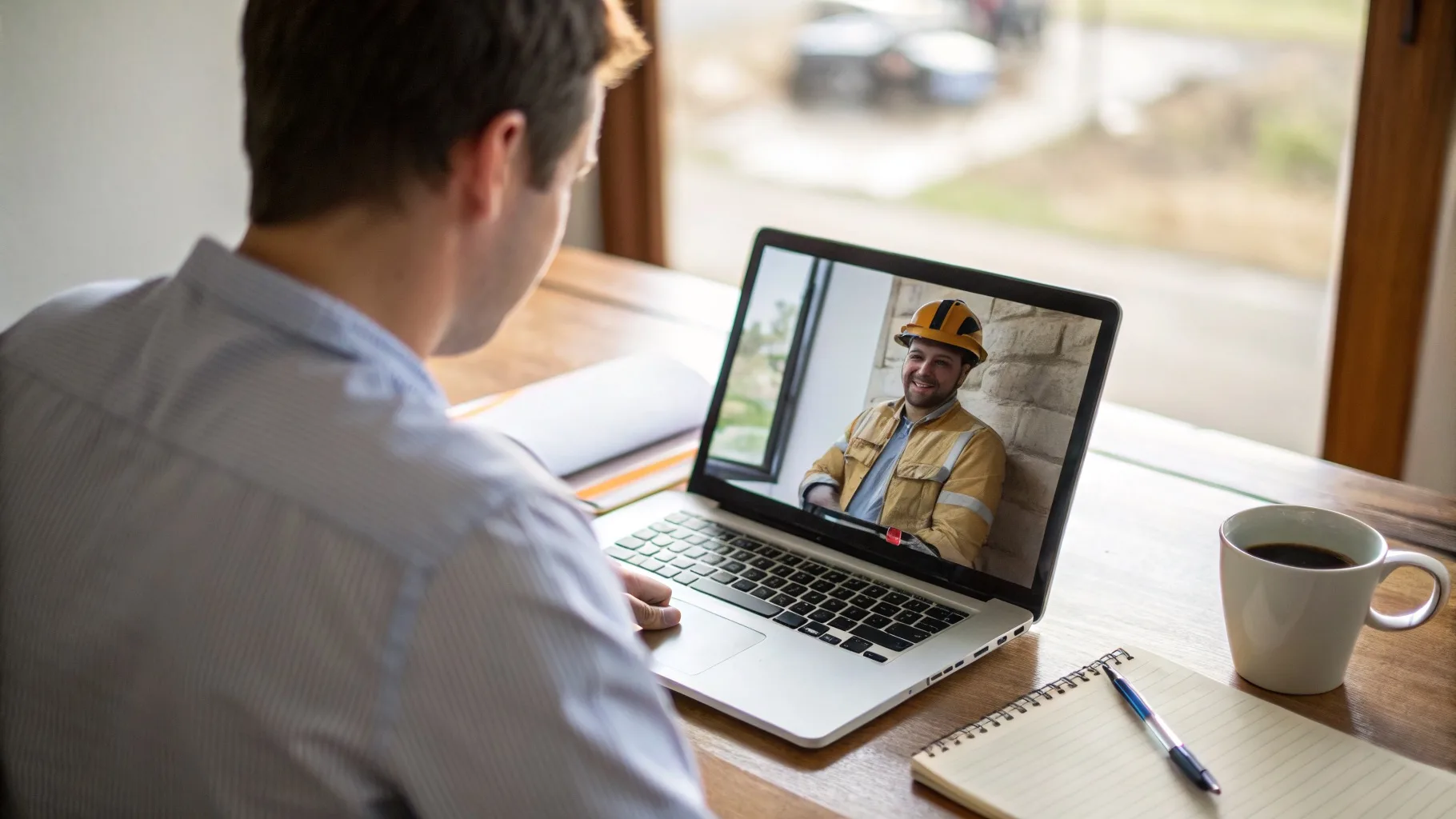
Since 2020, video interviews have become the standard first step for most FIFO roles. Companies interview candidates from all over Australia — they're not going to fly you to Perth for a first-round chat.
The good news? Video interviews are actually easier to ace once you know the technical setup.
Technical Setup (Get This Right First)
- Test your internet — Use a wired connection if possible. If using WiFi, sit close to your router.
- Test audio/video — Do a test call with a friend 24 hours before. Check you can be heard clearly.
- Download the platform — Teams, Zoom, Google Meet — whatever they're using. Don't fumble with installation at interview time.
- Close other applications — Notifications popping up during your interview look unprofessional.
- Charge your device — Or keep it plugged in. Running out of battery mid-interview is a disaster.
- Have a backup plan — Share your phone number in case of technical issues.
Camera and Lighting
Camera Position
Your camera should be at eye level. Looking down into a laptop camera makes you look disengaged. Stack some books under your laptop if needed.
Lighting
Face a window or light source. Light behind you creates a silhouette effect — interviewers can't see your face. Natural light from in front of you is best.
Do a test recording of yourself in the same spot, at the same time of day as your interview. Check how you look and sound.
Background and Environment
What's Behind You Matters
- Best: Plain wall, bookshelf, or tidy room
- Okay: Virtual backgrounds (if they work well on your device)
- Avoid: Messy rooms, beds, inappropriate posters, moving people
Noise Control
- Tell household members you're interviewing
- Put pets in another room
- Turn off TVs, radios, washing machines
- Close windows if there's street noise
What to Wear
Dress as you would for an in-person interview — at least from the waist up.
- Men: Collared shirt (polo or button-up). Tie optional for mining roles.
- Women: Professional top or blouse
- Colours: Solid colours work best on camera. Avoid busy patterns.
- Avoid: Bright white (can be glaring), thin stripes (can create visual interference)
Wear proper pants too. You never know if you'll need to stand up during the call.
During the Interview
Eye Contact
Look at the camera, not the screen. This creates the impression of eye contact. It feels unnatural at first, but practice helps.
Body Language
- Sit up straight — slouching is more obvious on camera
- Keep your hands visible — resting on the desk is fine
- Nod occasionally to show you're engaged
- Smile when appropriate — it comes through even on video
Speaking
- Speak slightly slower than normal — audio delay can make fast speech hard to follow
- Pause before answering — shows you're thinking, and avoids accidentally talking over the interviewer
- If asked to repeat something, don't get flustered — tech issues happen
Common Video Interview Problems (and Solutions)
Solution: Turn off your video. This reduces bandwidth and often fixes audio issues. Say "Let me turn off video to improve the connection."
Solution: Check your audio output settings. If it persists, ask to reconnect or switch to phone audio.
Solution: Call back immediately using the same link. If it keeps happening, ask if you can continue by phone. Don't panic — interviewers are used to tech issues.
One-Way Video Interviews
Some companies use pre-recorded video interviews where you answer questions on camera without a live interviewer. Tips for these:
- You often get time to prepare before recording each answer — use it
- You may get multiple attempts — review your first take before submitting
- Treat it like a real interview — dress properly, set up properly
- Look at the camera as if you're talking to a person
Ready to Land Your FIFO Role?
A great interview starts with a great resume. Make sure yours gets you to the interview stage.
Get the rewrite — $199